
You find an interesting position in a chess book, then spend your time placing pieces in an editor instead of exploring the next move. BestMove asked us to remove that extra step. We built a scanner that turns an image of a flat chess diagram into a position ready for analysis, directly on the phone.
From the original diagram to a playable position
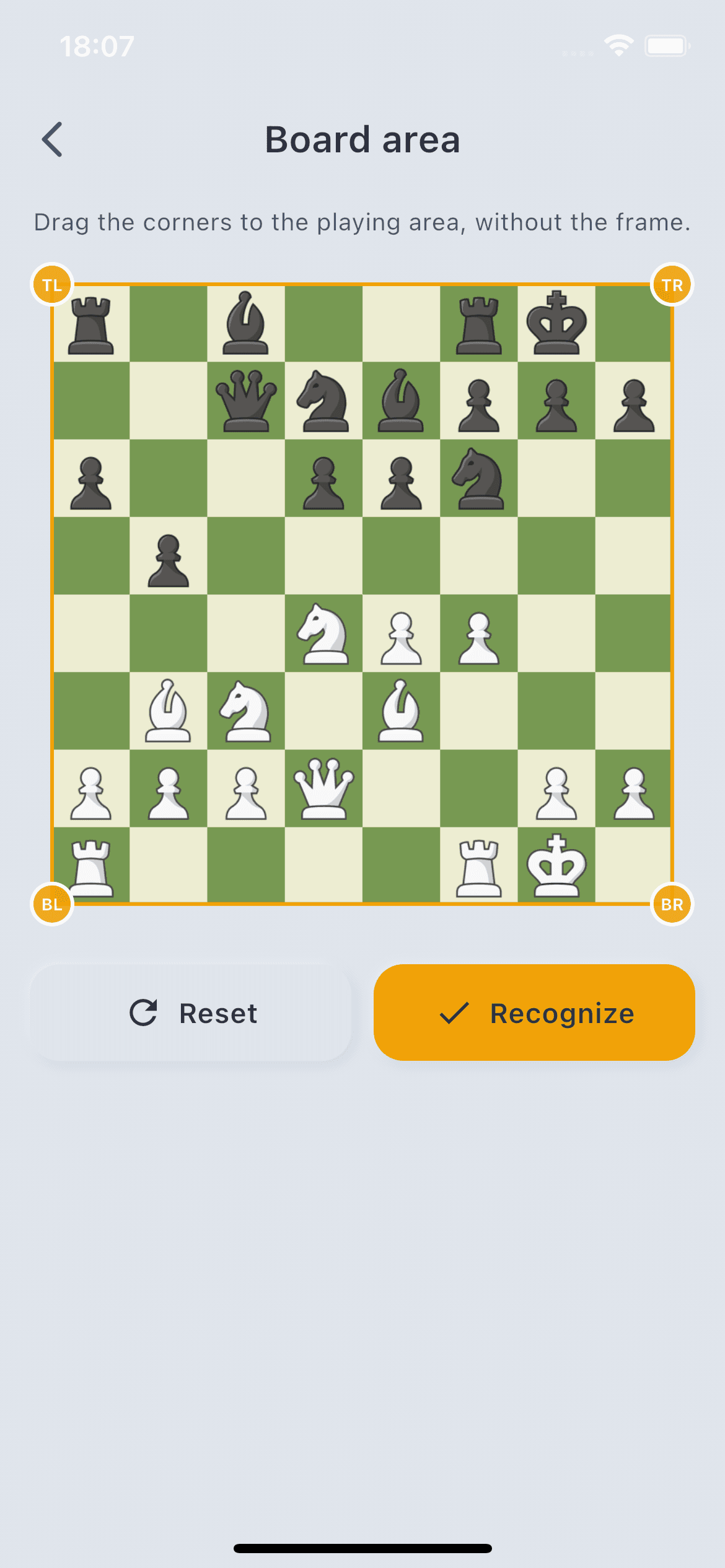
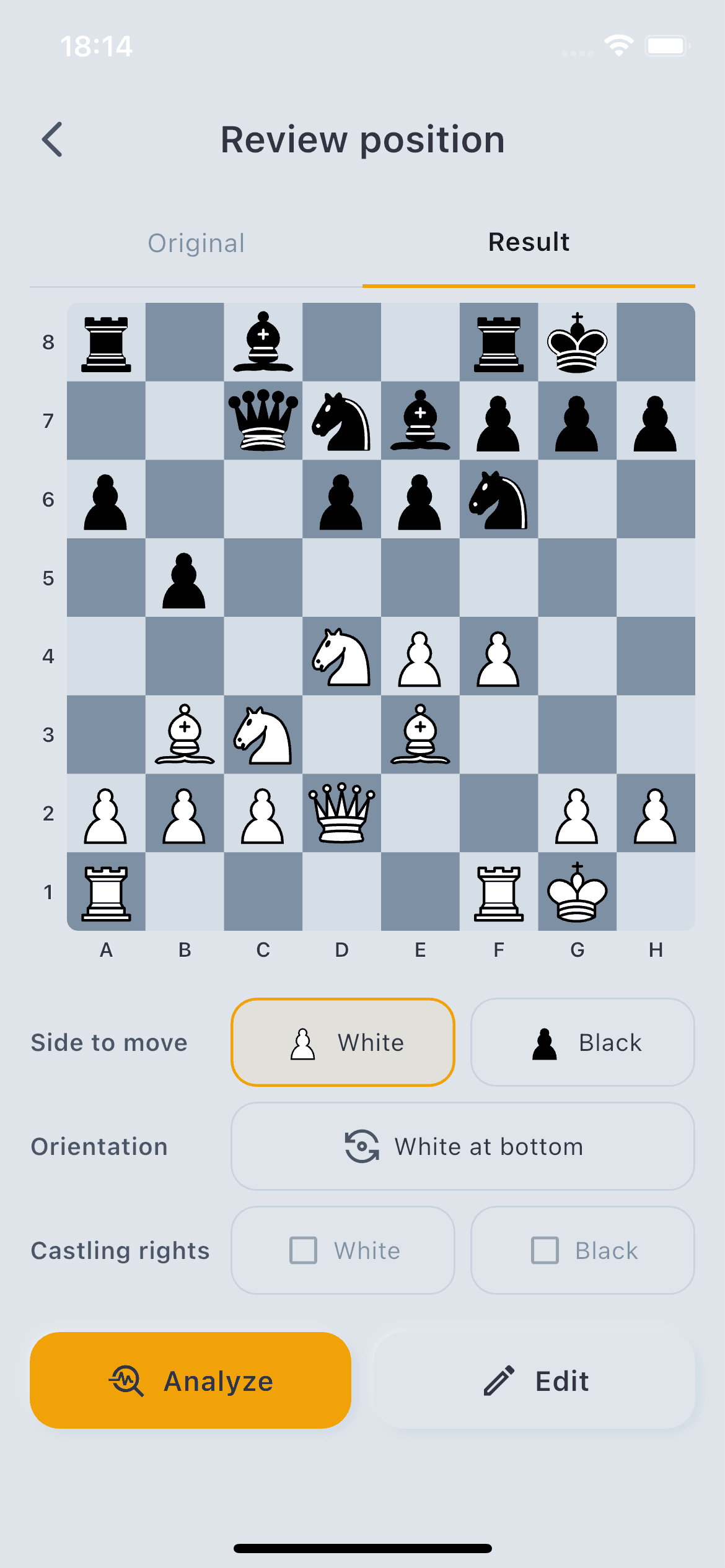
Actual BestMove screens: board selection and review of the recognised position. The app interface shown is in English.
Find the board before recognising the pieces
Existing models handled tidy digital diagrams reasonably well, but struggled with book pages containing borders and captions. Sometimes the neural network was not the problem at all: the entire image was resized along with the board. The grid shifted, leaving the model with half a piece instead of a complete square.
We split the task into two stages. The app suggests the board boundaries, the player adjusts its four corners, and the image is straightened. The scanner then reads all 64 squares. PDF import has a separate page and diagram selection step.
Three small neural networks with clear jobs
For each square, we ask three questions in order: is there a piece, what colour is it, and which piece is it? Three compact convolutional neural networks provide the answers. This approach suits on-device recognition and makes errors easier to trace.
If a knight appears on an empty square, we inspect the occupancy classifier. If a white pawn becomes black, we check colour classification. We also assess the complete board: a single wrong piece changes the chess position.
Training data: different pieces, colours and printed patterns
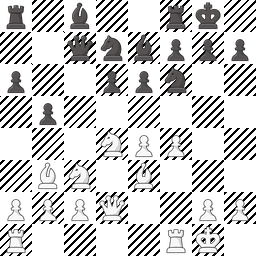
One attractive piece set is not enough. Alongside labelled images, we generated our own diagrams from known positions, varying piece designs, colour palettes, the number of pieces and hatching on dark squares. Every generated image comes with the correct labels for all its squares.
Empty hatched squares were particularly useful. A person sees a background pattern, but a model can mistake its sharp lines for a piece. These examples let us train specifically for that distinction.
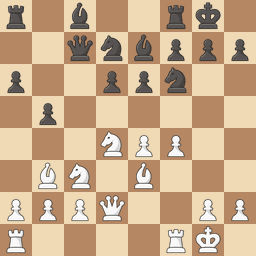
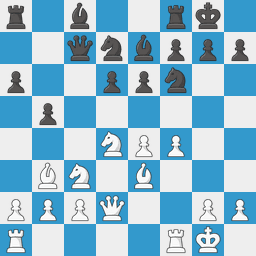
When an arrow became a knight
Chess screenshots often include arrows, circles and highlighted moves. The scanner sometimes detected a piece where there was only an arrow. We added these annotations to training images and fine-tuned the models while keeping the original square labels.
We then checked ordinary diagrams too. On the previous validation set, the accuracy drop for each classifier stayed within 0.1 percentage points. This measures individual classifiers; accuracy for fully recognised boards needs a separate evaluation.
Image to FEN, with a review before analysis
The recognised pieces are assembled into FEN, a text notation for chess positions. An image cannot tell us whose turn it is or whether a king or rook has moved before. Beside the board, the player sets the side to move, orientation and castling rights, compares the original with the result, and opens the editor if needed.
We trained the models in PyTorch, exported them to TensorFlow Lite and integrated them into the Flutter app. Image dimensions, normalisation and class order match between training and the app. A separate Python version of the image processing pipeline helps us trace failures before making another mobile build.
Technologies: computer vision, PyTorch, TensorFlow Lite, Flutter.